Quick Start
This guide will walk you through setting up and running the starter app on your local machine.
Prerequisites
Before you begin, ensure you have the following installed:
- Node.js and pnpm: Required for the frontend. Download Node.js and install pnpm via
npm install -g pnpm - Python: Required for the backend and the worker.
- uv: Recommended for Python package management. Install uv
- Docker: Required for running a local PostgreSQL database.
- Gemfury credentials: The frontend uses
@mistralai/uifrom a private registry. Add the following to your shell profile (.zshrc/.bashrc):export UV_INDEX_GEMFURY_USERNAME="mistralai"export UV_INDEX_GEMFURY_PASSWORD="<your-gemfury-token>"export UV_EXTRA_INDEX_URL="https://mistralai:${UV_INDEX_GEMFURY_PASSWORD}@pypi.fury.io/mistralai"
1. Create Your Project
Use Copier to create a new project from the starter app template. You'll be prompted to choose which features to include.
uvx copier copy git@github.com:mistralai/starter-app.git your_project_name
cd your_project_name
2. Set Up Environment Variables
The backend and the worker requires environment variables for configuration. An example file is provided.
# Copy the example .env file
cp .env.example .env

# Open .env and fill in the required values
3. Install All Dependencies
Use invoke to install backend, worker and frontend dependencies.
uvx invoke install-all
4. Set Up the database and local blob storage for abraxas
A Docker Compose file is included to easily run required services, including a local PostgreSQL database with the pgvector extension for embeddings and Azurite (blob storage emulator) to store large temporal payload.
-
Start the containers:
docker-compose -p starter-app -f common/docker/docker-compose.yml up -d -
Run database migrations and container creation: This script waits for the database to be ready and then applies the first Alembic migration initialize your database. It will also create the necessary containers in azurite to store large abraxas/temporal payload.
uvx invoke update-db
5. Run the Application
Run each service individually using invoke commands (in separate terminals):
# Terminal 1 - Backend
uvx invoke backend

# Terminal 2 - Worker
uvx invoke worker

# Terminal 3 - Frontend
uvx invoke frontend
You should now have:
- The Backend API running at
http://localhost:8000 - The Frontend Application running at
http://localhost:3000
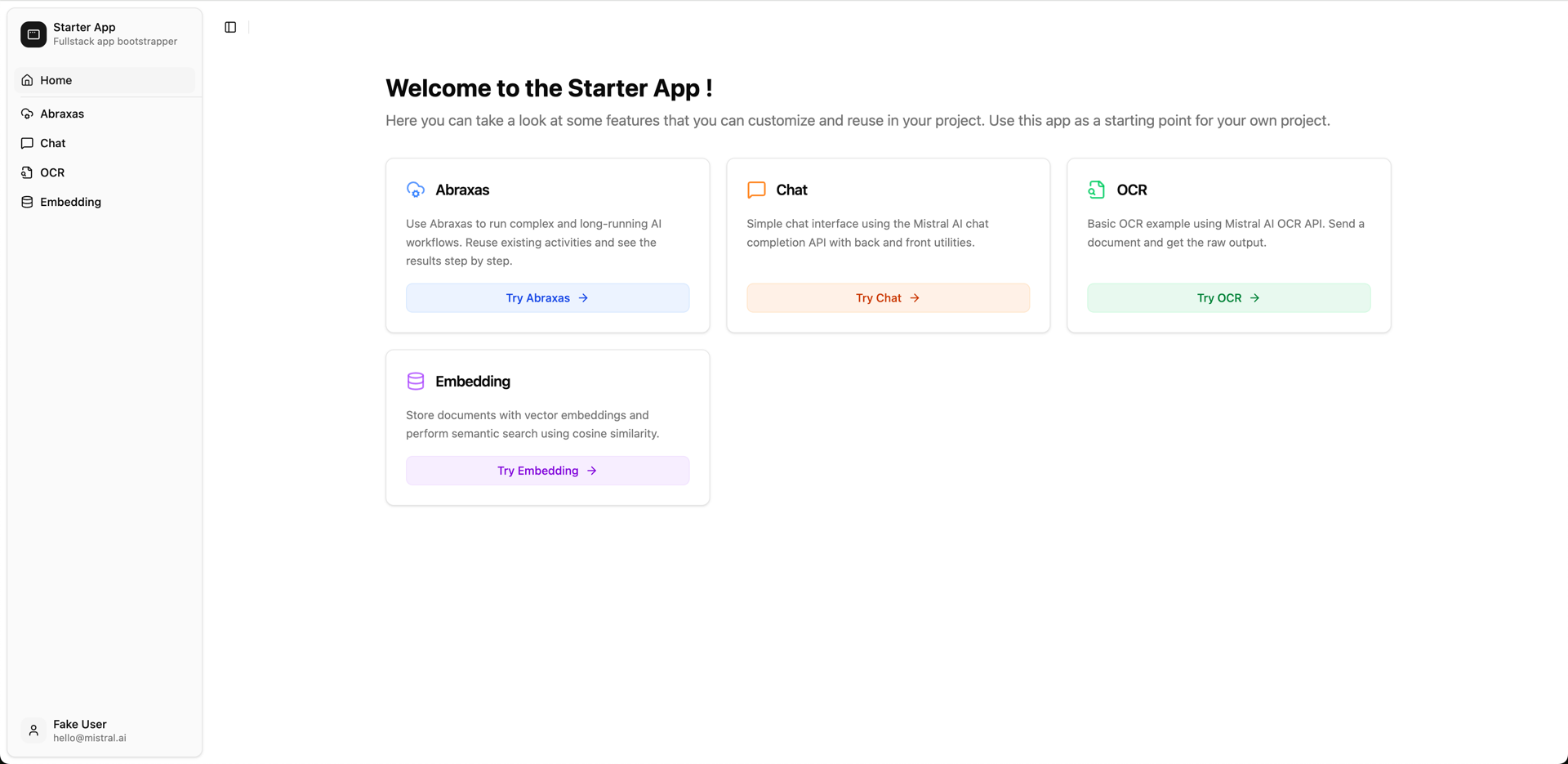
Your development environment is now ready!